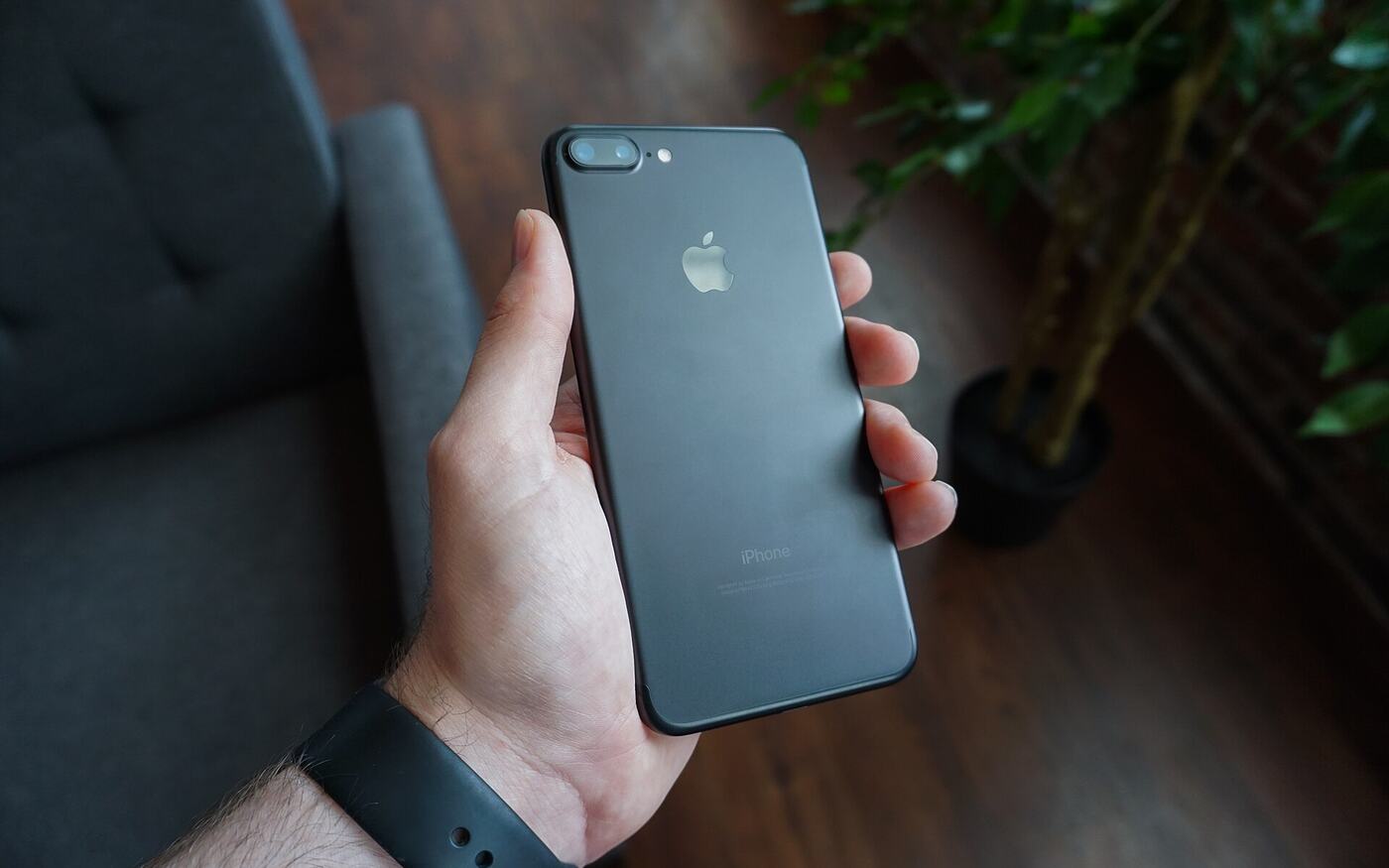
Try to open a new account at most large email providers and you will be asked for a phone number before you see an inbox. The stated reason is usually security. The practical effect is that your new address is tied to your SIM card, and through your carrier, to your name.
If you want an address that does not point back at you, the phone number is the first obstacle. This guide covers why providers ask for one, what to look for instead, and how to set up an address in a few minutes without giving one.
Why providers want your number
There are three reasons, and only two of them are about you.
- Stopping bulk sign-ups. A phone number costs money, so requiring one makes it expensive to create thousands of spam accounts.
- Account recovery. A text message is an easy way back in if you forget your password.
- Identity. A verified number is one of the strongest identifiers you have. It links accounts across services and makes a profile far more valuable for advertising.
The first two have other answers. Bulk sign-ups can be slowed down with proof-of-work, a small computation your browser solves during sign-up. It costs you one short wait and costs a spammer that same wait for every account. Recovery can work like a cryptocurrency wallet: a phrase you write down and keep yourself.
What to check before you sign up
Skipping the phone number is not enough on its own. Look at the whole sign-up form and the privacy policy.
- No recovery email. A provider that drops the phone number but asks for a backup address has moved the problem. That second address is usually tied to your phone anyway.
- No name, birth date or ID. None of these are needed to deliver email.
- No IP history. An account with no phone number is much less private if every login is stored next to your IP address.
- A way to pay without a card, if you ever upgrade. A card payment links the account to your bank.
Setting up a Neir address
Neir was built around this. When you sign up at neir.io/signup, you choose an address and your browser generates an Account Key, a 16-character key you use to sign in. There is no field for a phone number, a recovery email, your name or your date of birth.
- Choose your address and the plan you want. Free is fine to start.
- Wait a moment while your browser solves the proof-of-work check.
- Save your Account Key and your 12-word recovery phrase somewhere safe and offline.
That is the whole process. Neir only keeps one-way verifiers of your key and phrase, never the originals, so nobody at Neir can read them, reset them or hand them over.
If you lose your Account Key, the recovery phrase gets you a new one at neir.io/recovery. Mail that was encrypted under the old key cannot be decrypted afterwards, which is the trade-off for nobody else holding a copy.
What the free plan includes
The Free plan needs no payment details. It includes a 10 MB mailbox, webmail encrypted to your own key and 10 random aliases. Free accounts can receive mail from anywhere and send to other Neir addresses.
Sending to addresses outside Neir is part of Pro, which costs $4.99 a month and adds 5 GB of storage, unlimited aliases and a neir.io address. Pro is prepaid with cryptocurrency, so there is no card on file and no recurring charge.
Keeping it private afterwards
An address created without your phone number can still leak who you are through how you use it.
- Use aliases when you sign up for services, so your main address never ends up in a sales list or a breach.
- Sign in over Tor or through the no-JavaScript webmail if you do not want your network to see you using it.
- Keep the recovery phrase offline. It is the one thing that can take over the account.
For the full picture of what Neir stores and what it does not, How Neir works walks through every step a message takes.
Photo: Dennis Cortés on Unsplash.